

Using a stable internet connection, kindly access the Community™ website via our recommended browser (Google Chrome) then go to the settings to clear the cache and ensure that the necessary cookies are accepted. Next, try to log-in.
Once you’ve logged in, kindly go to the reports download queue and delete the report with the status “error encountered”.
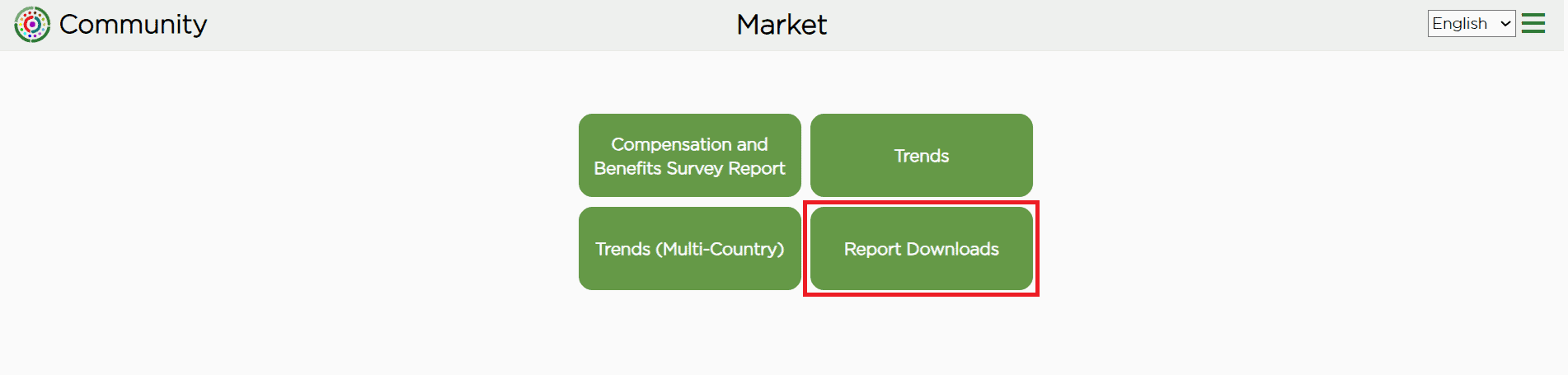

Afterwards, re-download a new copy. Click this link if you need further instructions on how to download the report from our website.
In case the issue persists, kindly reach out to us at softwaresupport@birchesgroup.com and send a screenshot of the error you are encountering.
Related FAQs: